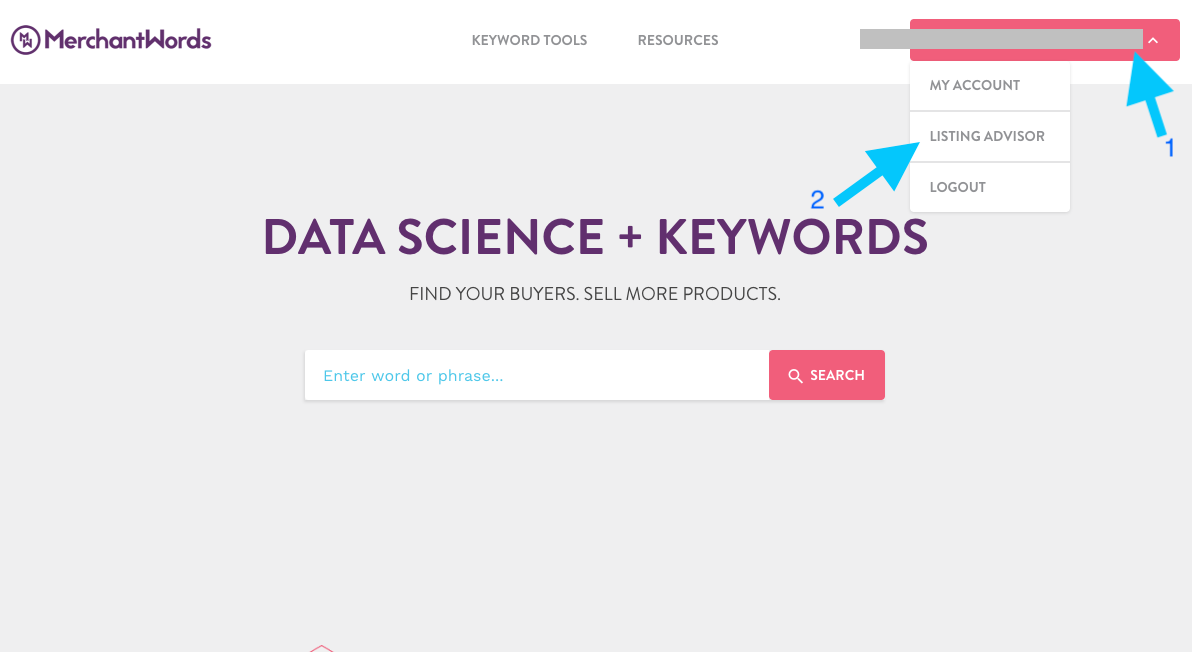
- Once logged into Merchant Words, click on the drop-down next to your username (your email address).
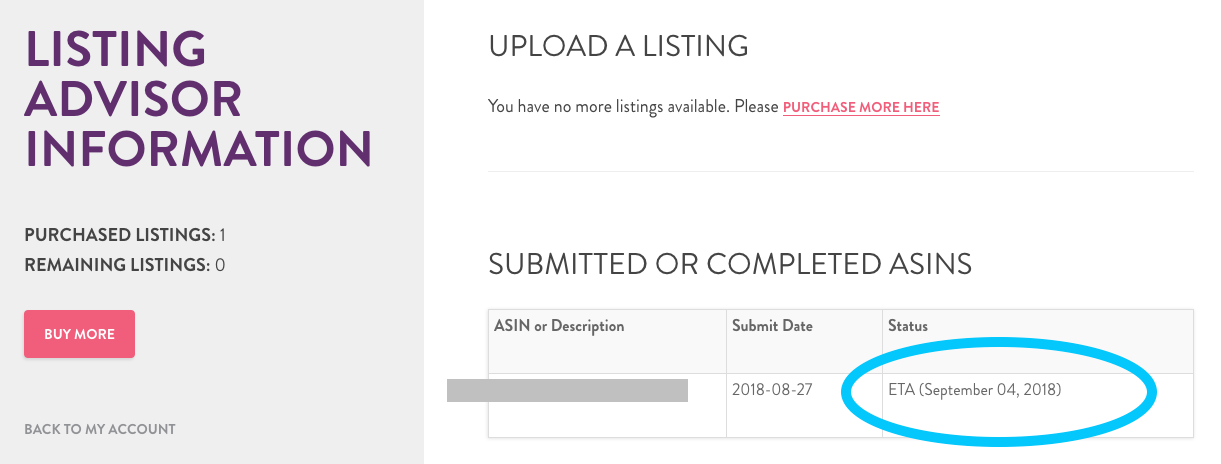
- Then select Listing Advisor. Here you can see that latest status of any submitted listing optimization requests.
- Then click on the ASIN. This will take you to the Listing Detail page. Here you will find the information for the optimized listing.
I received the status email that my listing is ready. How do I find my completed listing?
Have more questions? Submit a request
Please sign in to leave a comment.
0 Comments